Pinterest Downloader for iPhone: A Mobile Guide
Learn how to download authorized Pinterest videos and photos on iPhone using Safari and the Files app. Export clean media directly to your Camera Roll.
Direct Answer & Technical Recommendation
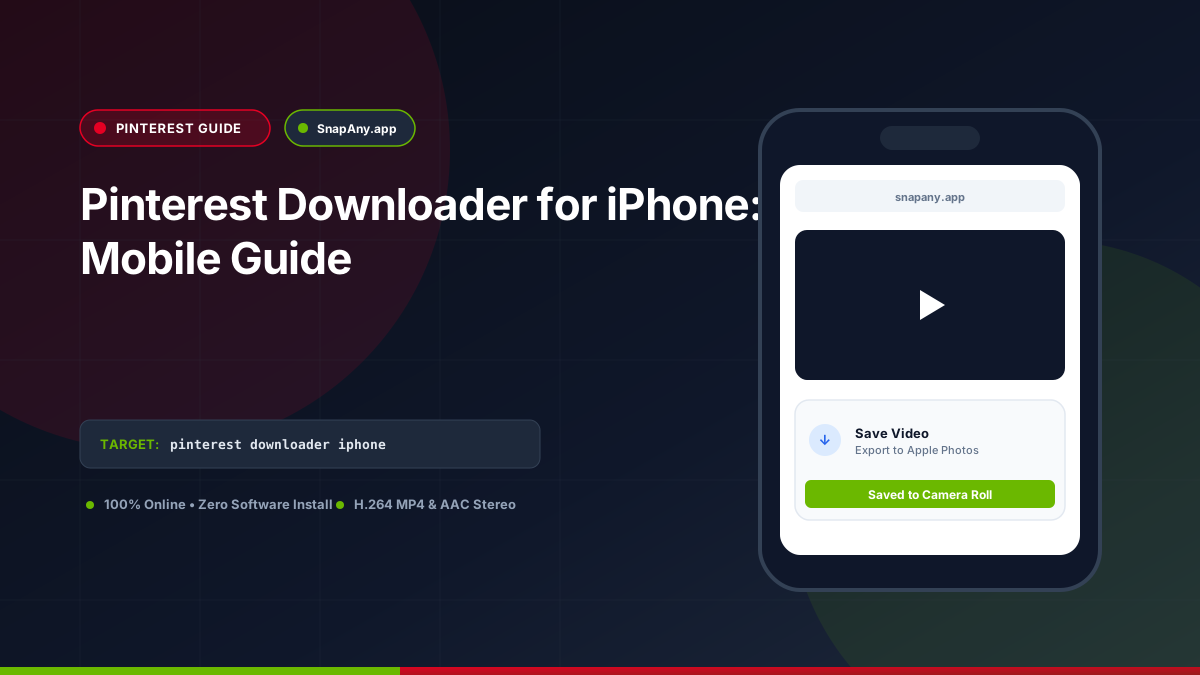
To save an authorized Pinterest video on iPhone: copy the Pin link from the Pinterest app, open Safari, paste the link into SnapAny, tap Inspect Video, and choose Download MP4. When prompted by Safari, tap Download. Open the Files app and tap Share > Save Video to send the clip to your Photos Camera Roll.
How to Copy Pinterest Links on iPhone
1. Open the Pinterest app on your iPhone. 2. Tap the Pin you wish to save. 3. Tap the **Share icon** or tap the **three dots (`...`)** menu. 4. Tap **Copy link**. 5. The shortlink (`https://pin.it/...`) is now copied to your clipboard.
Safari Download Workflow on iOS
1. Open **Safari** and go to `snapany.app/pinterest-video-downloader`. 2. Paste the link into the URL input and tap **Inspect Video**. 3. Tap **Download MP4 File** (or **Download Image** for photo Pins). 4. Safari displays the prompt: "Do you want to download Pinterest_Authorized_Media.mp4?" 5. Tap **Download**. The download indicator appears in Safari's address bar.
Moving the Video to Your Photos App (Camera Roll)
To make the video available in Apple Photos: 1. Tap the **Downloads icon** in Safari's address bar, or open the **Files** app and navigate to **Downloads**. 2. Tap the video file to open the iOS player. 3. Tap the **Share icon** in the bottom-left corner. 4. Scroll down and tap **Save Video**. The file is now stored in your Camera Roll and will sync with iCloud Photos.
Troubleshooting Common iPhone Download Errors
If a download fails on iOS: - **Low Device Storage:** Check **Settings > General > iPhone Storage**. Ensure sufficient free space exists. - **Secret Board Error:** Confirm that the Pin is from a public board; secret boards cannot be accessed by external tools.
Key Takeaways & Best Practices
- iOS Safari handles direct MP4 and JPEG downloads through its built-in download manager.
- Both pin.it mobile shortlinks and standard canonical URLs are supported.
- The "Save Video" option in the iOS Share Sheet moves MP4 files into the Photos app.
- The native Pinterest app also includes a "Download image/video" feature on eligible Pins.
Frequently Asked Questions
Do I need to install a special downloader app from the App Store?
No. Safari's built-in download manager handles MP4 files natively without requiring third-party apps.
Can I download photos as well as videos on iPhone?
Yes. SnapAny handles both high-resolution JPEG image Pins and MP4 video Pins through Safari.
Where do downloaded Pinterest videos go in iOS Safari?
By default, iOS Safari downloads files to the "Downloads" folder in the Files app. You can tap the downloaded file and choose "Save Video" to move it to Apple Photos.
Pinterest Downloader Tool
Inspect public video links and download authorized MP4 or MP3 streams directly in your browser.