Pinterest GIF Downloader: Formats and Saving Images
Learn how Pinterest handles animated GIFs: true .gif files vs looping MP4 video Pins, file size differences, and how to save animations.
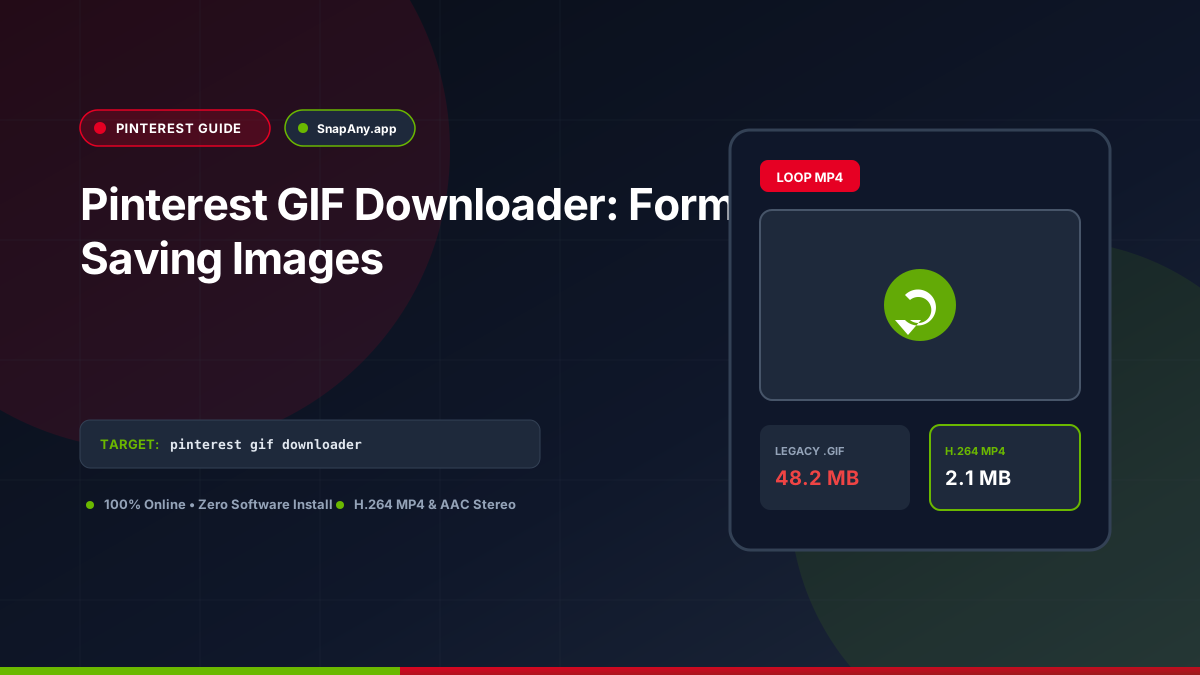
Direct Answer & Technical Recommendation
Pinterest supports both true animated .gif files and short looping MP4 video Pins. An animated GIF downloader inspects the Pin's media payload to determine whether it is a legacy .gif bitmap image or an H.264 MP4 video, allowing users to save the animation in its genuine native format.
Real Animated GIFs vs Looping Video Pins on Pinterest
On Pinterest, content that moves automatically can be one of two formats: 1. **Animated GIF (`.gif`):** A traditional 256-color animated image file hosted on `i.pinimg.com`. It has no audio track and loops indefinitely. 2. **Looping Video Pin (`.mp4`):** A full-color H.264 video clip hosted on `v.pinimg.com`. It may include an audio track and can be scrubbed using video playback controls.
How Pinterest Serves Animated Images on the Web
When an animated GIF is posted, Pinterest creates static JPEG thumbnails for the feed to conserve data. Only when a user clicks the Pin to expand it does Pinterest fetch and animate the full `.gif` file. SnapAny's analyzer inspects the media header: if the MIME type is `image/gif`, it downloads the animated GIF; if the MIME type is `video/mp4`, it downloads the high-efficiency MP4 video file.
How to Download and Save Animated Pins
To save an animated Pin: 1. Copy the Pin link (`pinterest.com/pin/...` or `pin.it/...`). 2. Paste it into SnapAny. 3. The engine verifies whether the Pin is a native GIF or an MP4 video. 4. Click the download button to save the animated file directly to your storage.
Cross-Device Playback Guidelines
Downloaded `.gif` files animate automatically in web browsers, Slack, Discord, and photo viewers. Downloaded `.mp4` looping video clips play seamlessly in Windows Media Player, QuickTime, and smartphone video apps.
Key Takeaways & Best Practices
- Pinterest supports native .gif image uploads alongside looping MP4 video Pins.
- True GIF files are animated bitmap images limited to 256 colors per frame.
- Looping video Pins provide higher resolution, millions of colors, and optional audio.
- Web downloaders deliver the authentic native format rather than converting arbitrarily.
Frequently Asked Questions
Why doesn't a downloaded GIF animate when viewed in Windows Photos?
Older versions of Windows image viewer did not support animated GIF playback. Opening the file in any web browser (Chrome, Edge) will display the smooth animation.
Can I convert a Pinterest GIF to MP4 video?
Yes. Online converters and tools like FFmpeg can easily wrap animated GIF frames into an MP4 video container.
Why do some Pinterest animations download as MP4 instead of GIF?
Pinterest converts most animations to modern H.264 MP4 videos to reduce page weight and load times. SnapAny delivers the authentic underlying file format used by Pinterest servers.
Pinterest Downloader Tool
Inspect public video links and download authorized MP4 or MP3 streams directly in your browser.