TikTok Downloader for iPhone: A Practical Mobile Guide
Step-by-step guide to saving authorized TikTok videos on iPhone using Safari and the Files app. Export clean MP4 files directly to your Camera Roll.
Direct Answer & Technical Recommendation
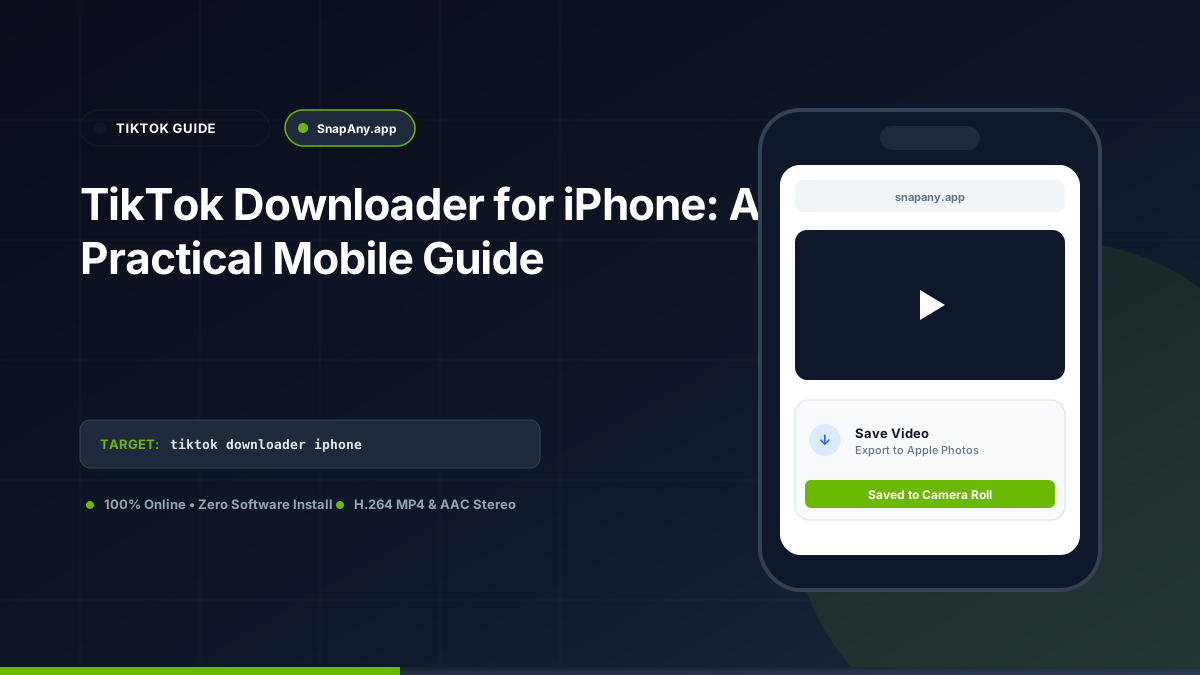
To save an authorized TikTok video on your iPhone: copy the link from the TikTok app, open Safari, paste the URL into SnapAny, tap Inspect Video, and choose Download MP4. When prompted by Safari, tap Download. Open the Files app and tap Share > Save Video to send the clip to your Photos Camera Roll.
How to Copy TikTok Video Links on iPhone
1. Open the TikTok app on your iPhone. 2. Locate the public video you want to save. 3. Tap the **Share icon** (arrow) on the right side of the screen. 4. Swipe across the sharing targets and tap **Copy link**. 5. The shortlink (`vm.tiktok.com/...`) is now copied to your clipboard.
Safari Download Workflow on iOS
1. Open **Safari** and go to `snapany.app/tiktok-video-downloader`. 2. Tap the input bar, tap **Paste**, and tap **Inspect Video**. 3. Tap **Download MP4 File**. 4. Safari displays the prompt: "Do you want to download TikTok_Authorized_Media.mp4?" 5. Tap **Download**. The download progress circle appears in the address bar.
Moving the Video to Your Photos App (Camera Roll)
To make the video available in Apple Photos: 1. Tap the **Downloads icon** in Safari's address bar, or open the **Files** app and navigate to **Downloads**. 2. Tap the video file to open the iOS preview player. 3. Tap the **Share icon** in the bottom-left corner. 4. Scroll down and tap **Save Video**. The vertical MP4 video is now permanently stored in your Camera Roll alongside your camera recordings.
Troubleshooting Common iPhone Download Errors
If a download fails on iOS: - **Low Free Space:** Go to **Settings > General > iPhone Storage**. Make sure you have at least 500 MB of free storage. - **Private Video Notice:** Verify that the TikTok account is public; private accounts cannot be processed by Safari without session credentials.
Key Takeaways & Best Practices
- iOS Safari handles direct MP4 downloads through its native download manager.
- Both vm.tiktok.com shortlinks and canonical web links are fully supported.
- The "Save Video" option in the iOS Share Sheet moves MP4 files into the Photos app.
- No third-party App Store utilities or jailbreak profiles are needed.
Frequently Asked Questions
Do I need a special app from the App Store to download TikToks on iPhone?
No. Safari's built-in download manager handles MP4 files natively without requiring third-party apps.
Will downloaded TikTok videos have sound on iPhone?
Yes. TikTok MP4 files use standard AAC stereo audio, which plays natively in iOS Photos and media apps.
How do I copy a TikTok link on iPhone?
Tap the Share arrow on the right side of the TikTok screen, then tap "Copy link".
How do I save a downloaded TikTok from Files to Camera Roll on iOS?
Open the Files app, tap the downloaded video, tap the Share icon in the bottom-left corner, and select "Save Video".
TikTok Downloader Tool
Inspect public video links and download authorized MP4 or MP3 streams directly in your browser.