Twitter GIF Downloader: How GIFs and MP4 Clips Differ
Learn why Twitter converts animated GIFs into looping MP4 videos. Understand file size differences, loop attributes, and how to save them.
Direct Answer & Technical Recommendation
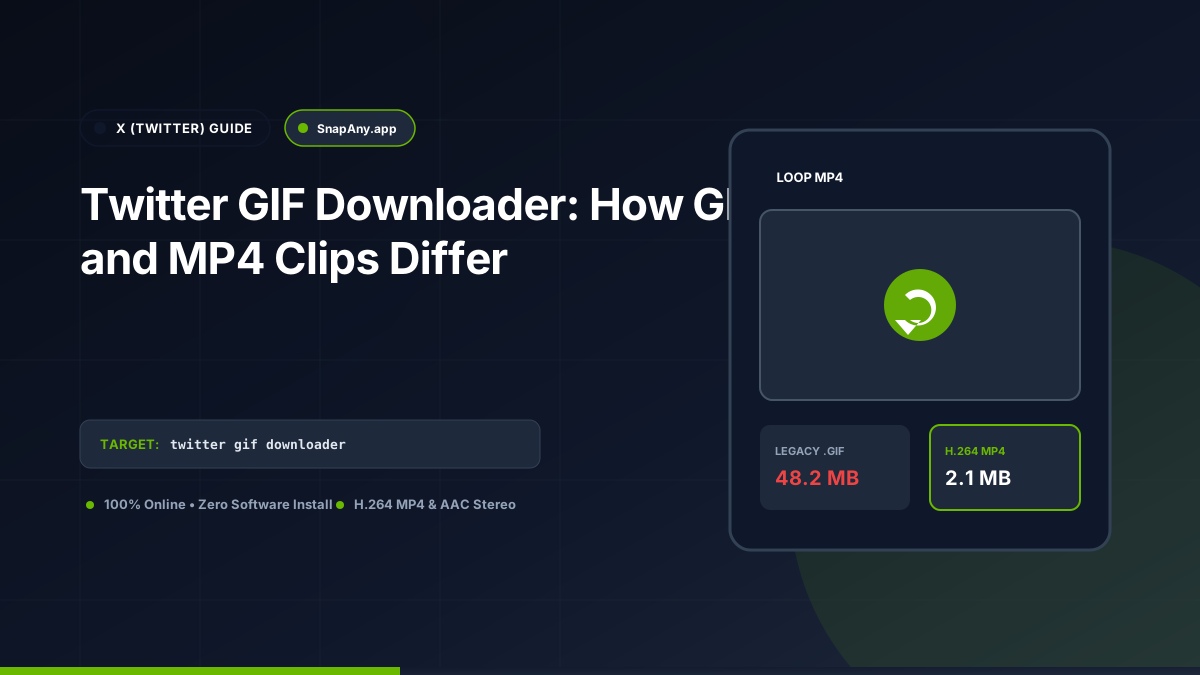
Twitter does not store or serve true .gif files on its platform. Whenever an animated GIF is posted, Twitter converts it into a silent, looping H.264 MP4 video file. This reduces bandwidth by up to 90%. When you use a Twitter GIF downloader, you are downloading this highly optimized looping MP4 video file.
The Truth: Twitter GIFs are Actually Looping MP4 Videos
When you view an animated meme or reaction clip on X, the interface displays a small "GIF" badge in the bottom-left corner. However, if you inspect the web element using browser Developer Tools, you will find: `<video loop autoplay muted playsinline src="https://video.twimg.com/tweet_video/abc123xyz.mp4"></video>` There is no `.gif` file. Twitter's servers take the user's uploaded GIF, discard the inefficient 1987 Graphics Interchange Format structure, and re-encode the animation into an H.264 MP4 video.
Why Modern Platforms Replaced GIF with MP4 Video
The legacy GIF format was created in 1987 and was never designed for multi-frame digital video: - **Massive File Sizes:** A 5-second 1080p animation stored as a raw GIF can exceed 50 MB because each frame stores uncompressed bitmap data. - **Color Degradation:** GIF is hard-limited to 256 colors per frame, resulting in noticeable banding and dithering. - **Bandwidth Savings:** Transcoding the animation into an H.264 MP4 video reduces the file size to 2 MB (a 95% reduction) while supporting 16.7 million 24-bit colors.
How to Save and Play Looping Twitter GIFs
To save a Twitter GIF: 1. Copy the tweet link. 2. Paste it into SnapAny. 3. SnapAny extracts the direct `tweet_video/*.mp4` file from `video.twimg.com`. 4. Click **Download MP4**. The file downloads as a silent, high-efficiency MP4 video that loops seamlessly in any modern messaging app or video editor.
Converting Looping MP4s Back to .GIF Files
If you specifically need a legacy `.gif` file (for an email signature, forum avatar, or retro application), you can convert the downloaded MP4 into an animated GIF using free tools like FFmpeg (`ffmpeg -i clip.mp4 -vf "fps=15,scale=480:-1" clip.gif`) or web-based GIF converters.
Key Takeaways & Best Practices
- Twitter automatically transcodes all animated .gif files into silent looping MP4 video clips.
- Looping MP4 files are up to 90% smaller in file size than legacy 256-color GIF files.
- Downloaded Twitter GIFs are delivered as standard .mp4 video files with no audio track.
- Looping playback is controlled by the player attribute (loop autoplay muted).
Frequently Asked Questions
Why don't downloaded Twitter GIFs have any sound?
Twitter GIFs are created from silent animations or short video clips where the audio track was stripped during the GIF conversion process.
Can I post a downloaded Twitter MP4 as a GIF on Discord or Slack?
Yes. Both Discord and Slack automatically autoplay and loop short MP4 video files in chat channels.
Why do Twitter GIFs download as MP4 video files?
Twitter converts all animated GIFs to looping H.264 MP4 videos to reduce file sizes by up to 80% and improve playback performance.
Can I convert a downloaded Twitter video back into an animated .gif?
Yes. You can use free online converters or tools like FFmpeg to convert the downloaded MP4 file into a traditional .gif image.
X (Twitter) Downloader Tool
Inspect public video links and download authorized MP4 or MP3 streams directly in your browser.